Document management
The library for files the transaction needs: a claim photo, a contract, a supplier bill.
- Library
- On the record
Upload, classify, and find the file. Lifecycle and governance decide how long it is kept and who can see it. OCR reads a scan so the office is not retyping it.
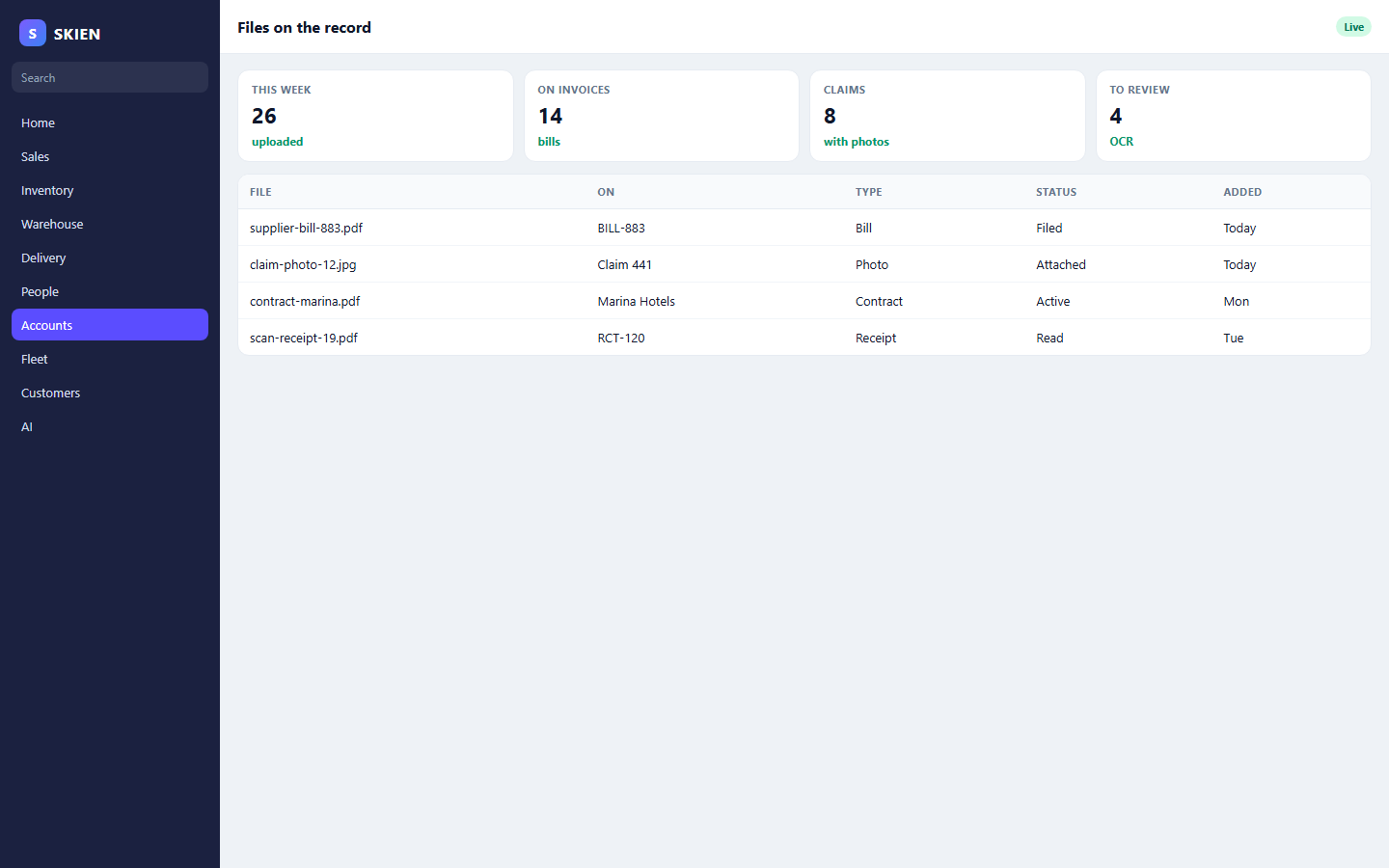
Document management, lifecycle, governance, admin, and OCR.
The library for files the transaction needs: a claim photo, a contract, a supplier bill.
Draft, active, and archived are states, so a file is not deleted because someone cleaned a folder.
Who can see a class of document, and which rule applies.
The setup the library needs before the first upload, kept separate from day-to-day filing.
A scan can be read into the document instead of retyped onto the invoice.
These features use the same orders, people, and stock.
Claims, HR, and finance already have a place to attach the file. This menu is that place.
Schedule a call