Delivery settings
Zones, areas, cities, customer groups, and even a single SKU can carry their own delivery rule.
- Zone
- Area
- City
- SKU
Zones, areas, and cities carry their own delivery settings. A mission groups jobs. The driver opens the trip, and the office can see the location.
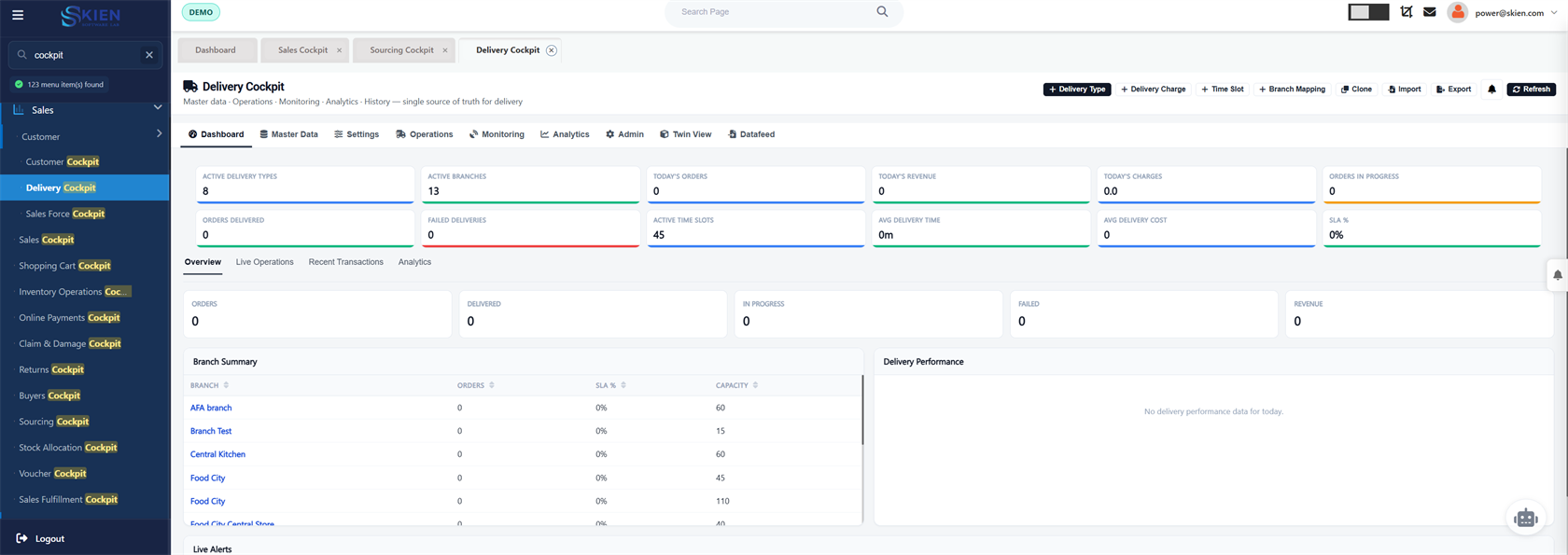
Delivery cockpit, routes, drivers, missions, and driver location on the sales order.
Zones, areas, cities, customer groups, and even a single SKU can carry their own delivery rule.
Ready-for-shipping orders leave the branch as jobs. The cockpit shows what is still unassigned.
A route and a vehicle carry the mission. The driver opens that mission, including from My Mission.
The office sees the driver on the trip that was assigned, not on a separate tracking login.
Cities, districts, areas, and streets are master data the delivery rule can point at.
Drivers, vehicles, and service providers are maintained once and reused by fleet and field service.
These features use the same orders, people, and stock.
The trip is the sales order after the pick. Returns come back to the same branch stock.
Schedule a call