Chart and journals
Account groups, the chart, and journals are the structure every other document posts into. The journal workbench is where an entry is reviewed.
- Chart of accounts
- Journals
- Workbench
Sales, purchase, and inventory land in the ledger. Cash, bank, and petty cash have their own desks. Reconciliation and period close sit on those same books. eInvoicing is a menu beside them.
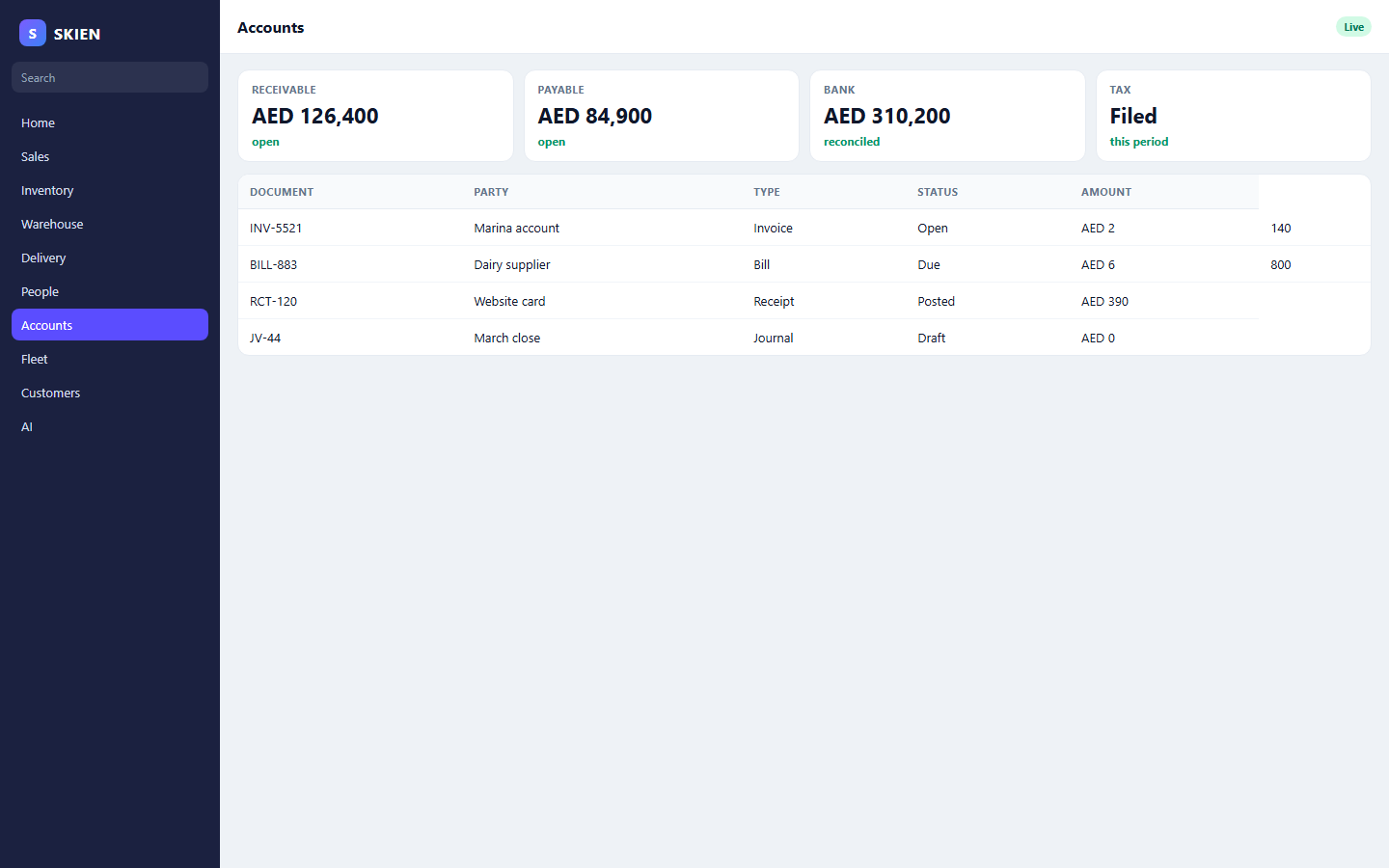
Chart of accounts, journals, cash and bank, payables, receivables, assets, tax, and finance operations.
Account groups, the chart, and journals are the structure every other document posts into. The journal workbench is where an entry is reviewed.
Receipts, payments, petty cash, and bank operations have dashboards. Reconciliation matches the statement to the book.
Supplier bills and customer receipts allocate against the invoice. Control screens show what is still open.
Tax setup, tax operations, and compliance run on the document, including eInvoicing where the country requires it.
Asset register, depreciation journals, cost centers, and budgets sit in the same finance menu.
Open a transaction and the twin shows cash, bank, the ledger, and what the period close is waiting on.
These features use the same orders, people, and stock.
Finance does not retype the sales invoice. The ledger reads it.
Schedule a call